Empower Employees.
Cut IT Load.
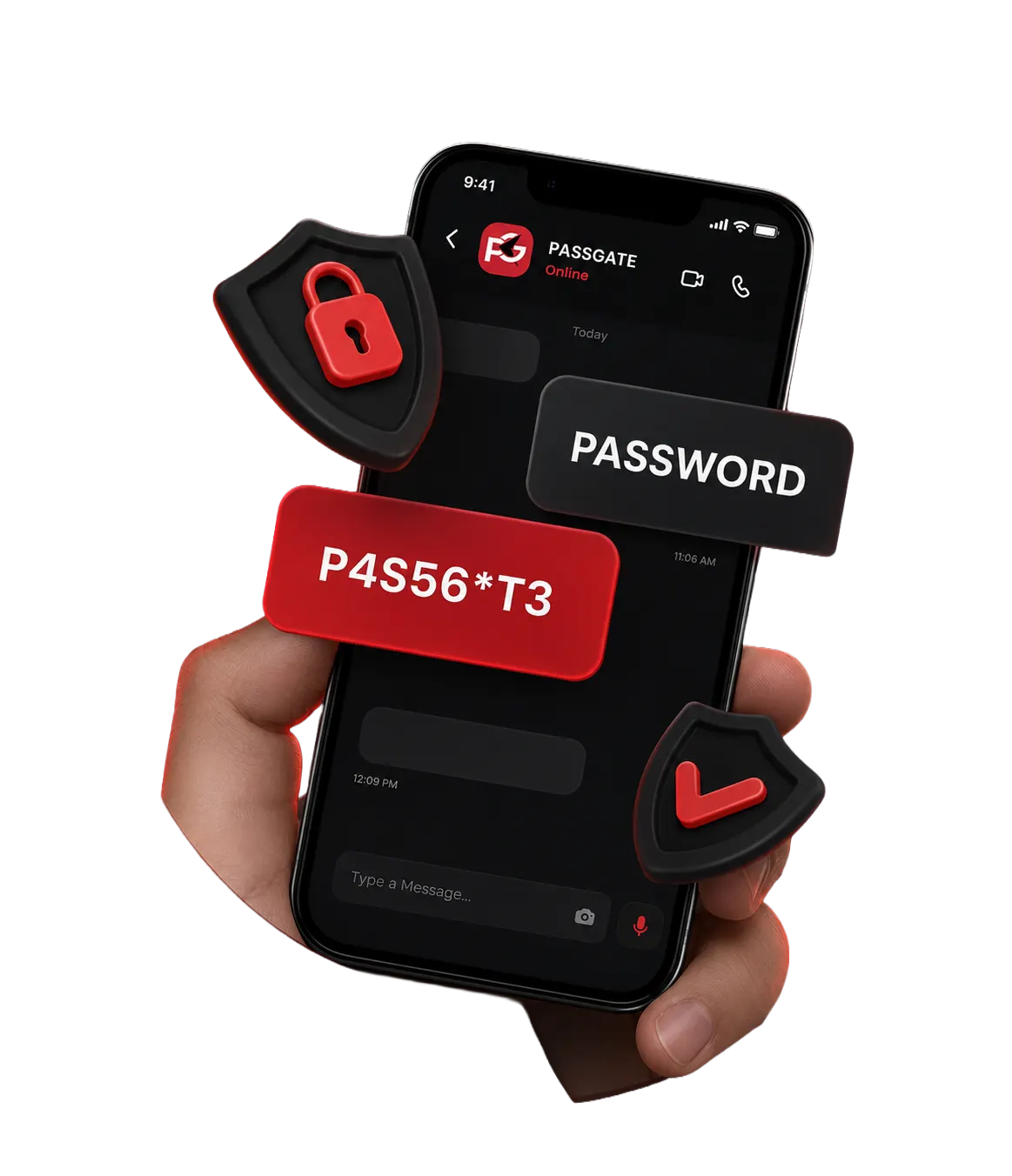
PASSGATE lets your people reset passwords, unlock accounts, and enroll in MFA on their own — securely, from anywhere, without ever opening a ticket.
Used by IT teams that hate password resets
















Password resets quietly drain your IT team.
Industry studies put password‑related tickets at 20–40% of all helpdesk volume. Each one costs time, breaks user focus, and — worst — pushes admins to skip security steps just to keep the queue moving.
- ⨯Locked‑out users wait hours for help
- ⨯Admins repeat the same low‑value task
- ⨯Identity is verified inconsistently
- ⨯Remote and frontline workers wait the longest
PASSGATE turns the password reset into a 90‑second self‑service step.
Users prove who they are with multi‑factor verification, then reset, change, or unlock their own account — without IT in the loop. Every action is logged, auditable, and policy‑controlled.
Everything employees need — and nothing IT has to babysit.
A modern self‑service experience built on top of your existing identity provider. No replacement, no migrations, no fragile scripts.
Self‑service password reset
Forgotten or expired? Users verify identity and reset themselves — from web, mobile, or the lock screen.
Adaptive MFA enrollment
Authenticator app, SMS, email OTP, security questions, and TOTP. Policies decide what's allowed — not the user.
Account unlock
Locked out after too many attempts? Verify and unlock without paging IT.
AD & Microsoft Entra sync
Bidirectional sync keeps on‑prem AD and Entra ID identities consistent, with no shadow directory.
Lock‑screen access
Users can launch reset right from the Windows lock screen — no second device needed for remote staff.
Policy & password rules
Length, complexity, history, banned passwords, and rotation rules — all enforced consistently.
Audit & reporting
Every reset, unlock, and policy change is logged with full context — exportable for compliance.
Open APIs & webhooks
Hook reset events into your SIEM, ITSM, or chat platform — Slack, Teams, ServiceNow, Splunk, more.
Role‑based delegation
Helpdesk, HR, or department leads get scoped permissions — no full domain admin handouts.
Three steps. Ninety seconds. Zero tickets.
Enroll once
Users register a phone, authenticator app, and security questions during onboarding or first sign‑in.
Verify identity
When locked out or stuck, users prove who they are with multi‑factor verification — adaptive to risk and policy.
Reset, unlock, done
Choose a new password that meets your policy, sync to AD and Entra ID instantly, and get back to work.
IT sees everything
Each event lands in the audit log with timestamp, method, IP, and outcome — ready for compliance review.
Built for IT teams that want fewer tickets — not more tools.
Secure by design
Multi‑factor by default, no shared secrets.
Fast to roll out
Live in days, not months.
Works for everyone
Office, remote, frontline, kiosk users.
Plays nice
Lives next to your IdP — never replaces it.
Pick your path
Three landing pages, three angles on the same platform. Open the one that matches the buyer in front of you.
Microsoft license automation
Manage, purchase, and optimize Microsoft licenses across every tenant — from one console.
Explore Now →Self‑service password management
Empower users to reset passwords, unlock accounts, and enroll in MFA — without IT tickets.